Case study
TokenSlice
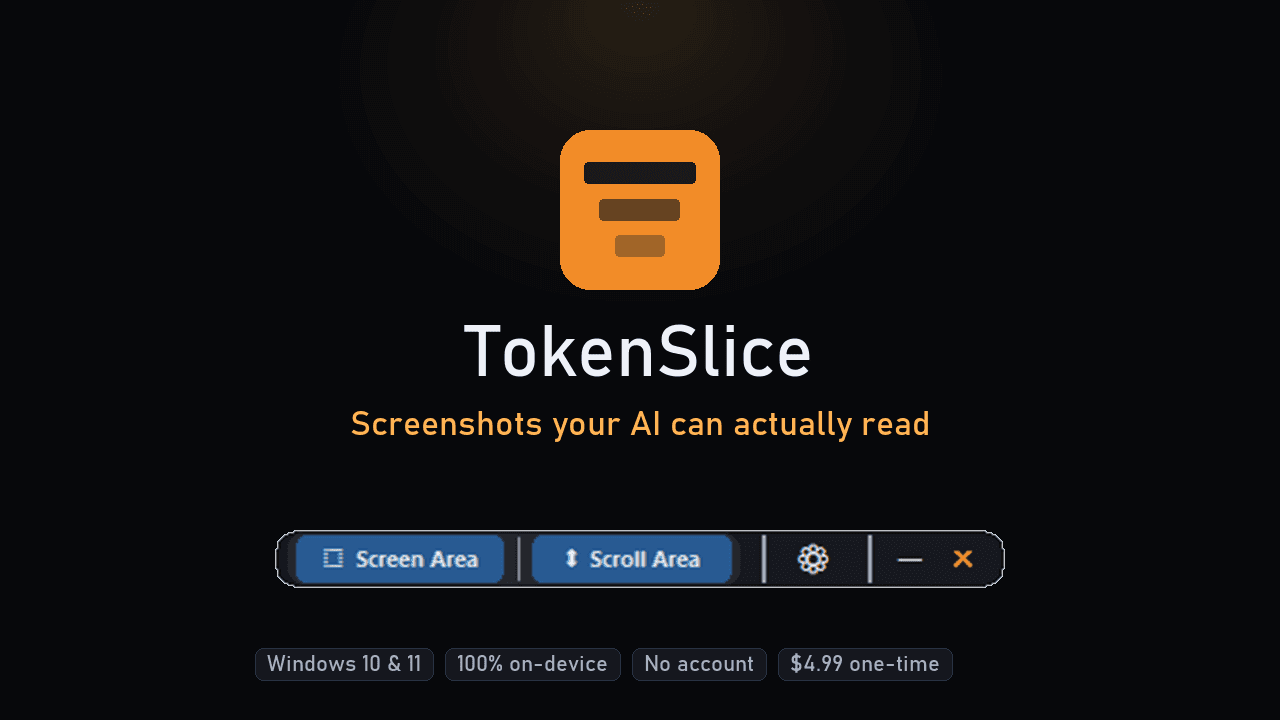
Screenshots your AI can actually read.
Live
tokenslice.co ↗ · Shipped
The challenge
Paste a tall screenshot — a long code file, a spreadsheet, a chat log — into an LLM chat window, and the model silently downsamples it to fit its own resolution limits. Dense text turns to blur. The user doesn't find out until the AI's answer is wrong.
The approach (built with Claude Code)
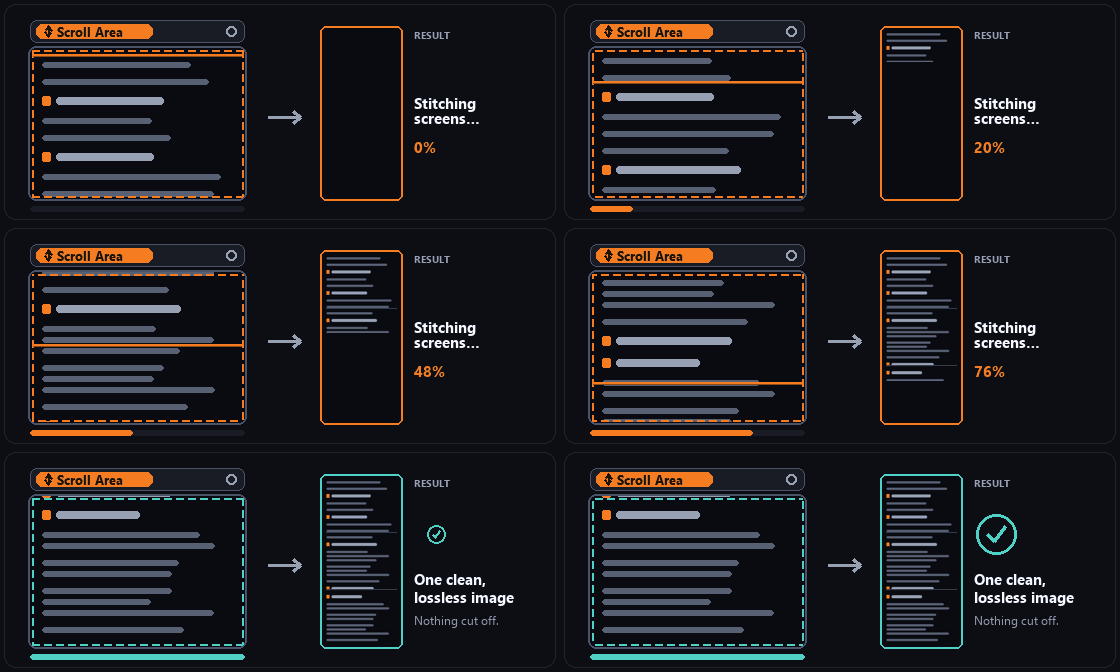
TokenSlice is a small, always-on-top Windows utility: draw a box around any region of the screen, and it slices the capture into tiles sized to stay under an LLM's long-edge and pixel-area limits, then copies a clean image or extracted text straight to the clipboard. Text extraction runs through a three-engine OCR cascade — attempting the fastest path first and falling back automatically so it works reliably across Windows 10 and 11. The build ran as an eight-phase plan, each phase gated by its own passing test suite (up to 161/161 on the core capture bar, 59/59 on the slicing engine, 53/53 on the capture overlay).
What we shipped
A packaged Windows installer (free core feature set, forever) plus a $4.99 one-time unlock for the Scroll Area (long-page scrolling capture) feature, and the tokenslice.co marketing site. On-device OCR resolves in roughly 0.08s (Windows 11) to 0.24s (Windows 10) per capture.
Outcome
Shipped and on sale. Download and sales figures are tracked in the Gumroad dashboard, not the build repo, and aren't published here without a direct pull from that source.
Screenshots

Tech notes
Python + CustomTkinter, mss capture, OCR cascade (UI Automation → Windows.Media.Ocr → Tesseract fallback), PyInstaller + Inno Setup packaging.